Home Page
Home
Home

Site BEST viewed with:
FireFox & JavaScript
Compatible with: IE6+
Further info here.
RSS
Search:
RABiD BUNNY FEVER
K.T.K

Warning: you do not have javascript enabled. This WILL cause layout glitches.

Welcome to my domain. This is an open space where I, Jeffrey Riaboy, am keeping a compendium of my projects, thoughts, news, and miscellaneous ideas. I am a self taught programmer/computer nerd that works in C++ by choice, and too many other languages due to the facts of life. I have been programming virtually my whole life and working with computers since before I can remember. They are my passion, hobby, job, first love, and have served me well, though, been a constant pain in the anatomy. I hope you can find something of interest or use here, as that is the reason I spend my time creating and organizing this content. Enjoy. ^_^
Dakusan~
The original (well... last) intro page to my website before this became the home. It is a flash portal to my personal sites of the past.
Intro
[1999-2001?] My ancient NES emulator made in Visual Basic (which was made to prove the power and flexibility [not speed] of the language). But alas, one of my friends, David Finch beat me to it by optimizing BasicNes [Don Jarrett].
HyNes
[2002] A chronicle of my experiences and tinkering from early ’02 to early ’04 on an addictive yet horribly crappy MMORPG. Site also has some nice “hacking”/reverse engineering tutorials.
Ragnarok Hacking
I’ve temporarily set this to link to the Projects section of this website until I’m ready to announce the new website this will link to.
Projects
Updates Archive
Section: Projects > Intellitix
Updated:12/03/11
I have been asked to temporarily remove the Intellitix content until it can be updated to reflect more where the company currently is. Hopefully I’ll be able to get that up at some point soon...
Updated:10/08/11
Updated Android flags so it knows screens of different sizes are supported.
Download Content
Updated:01/07/11

I was in the mood a few nights ago to do something silly and fun, so I updated the Julia Fractals project to create a 3D screen saver out of it :-). Your view is inside a rotating 3D cube with a different Julia Fractal rendering to each face. The fractals all zoom in and out of their own accord at different speeds.


The version number is now at 0.61 [source]. This update only modified the Pixel Shader portion of the project and not the software rendered one. The Julia Fractal Pixel Shader can now run in “Screen Saver” or “Normal” mode depending on command line parameters or the configuration file.


The updates are as follows:
  • Screen saver mode added:
    • An optional configuration file is provided to overwrite the default screen saver mode settings.
    • The screen saver can be run in both Full Screen and Windowed modes which have some differences:
      • Full Screen Mode: Any mouse or keyboard activity will end the program.
      • Windowed Mode: The titlebar displays current configuration settings, which can be changed realtime through shortcut keys.
    • A special “shrink constant” tells the program the pixel dimensions of the texture to render the fractal into when compared against the size of the actual target window. Changing this value affects the quality and render speed of the fractals rendered to each cube face.
    • Each of the 6 different faces (5 different fractals) all zoom in and out continuously on the same point (for that fractal). I didn’t feel like developing the code to choose good random points to zoom in on for aesthetics (and shift them real time) because I basically accomplished what I wanted with this and didn’t want to spend the extra time fine tuning that functionality.
    • The mode set through the configuration file can be overwritten by passing a command line parameter. The first argument can be either “ScreenSaver” or “Normal” to overwrite the mode setting.
  • Added the ability to render any Julia fractal through the pixel shader instead of just the Mandelbrot Fractal.
  • The source code has been split up into multiple files for better organization (Fractal rendering engine interfaced with D3D, “Normal Run” mode, the “Screen Saver” mode, Settings, and the Loader).
  • Fractal information is now held in a structure instead of global variables so multiple fractals can be rendered.
  • Added a maximum zoom amount variable to make sure floating point underrun does not occur.
  • The pixel shader is now held in the executable as a resource instead of as an extra file.

I also heavily edited the project description/notes during this update because I had noticed that I had forgotten to do that for the last few updates and they were very outdated.

Download Content
Post Archive
RSS Feed
Setting the time zone through a numeric offset
They never make it easy

I had the need today to be able to set the current time zone for an application in multiple computer languages by the hourly offset from GMT/UTC, which turned out to be a lot harder than I expected. It seems most time zone related functions, at least in Linux, expect you to use full location strings to set the current time zone offset (i.e. America/Chicago).


After a lot of research and experimenting, I came up with the following results. All of these are confirmed working in Linux, and most or all of them should work in Windows too.

Language Format Note Format for GMT+5 Format for GMT-5
C Negate GMT-5 GMT5
Perl Negate GMT-5 GMT5
SQL Requires Sign +5:00 -5:00
PHP Negate, Requires Sign Etc/GMT-5 Etc/GMT+5

And here are examples of using this in each language. The “TimeZone” string variable should be a 1-2 digit integer with an optional preceding negative sign:
Language Example
C
#include <stdio.h> //snprintf
#include <stdlib.h> //setenv, atoi
#include <time.h> //tzset

...

char Buffer[10];
snprintf(Buffer, 10, "GMT%i", -atoi(TimeZone));
setenv("TZ", Buffer, 1);
tzset();
		
Perl
use POSIX qw/tzset/;
$ENV{TZ}='GMT'.(-$TimeZone);
tzset;
		
SQL [Query string created via Perl]
$Query='SET time_zone="'.($TimeZone>=0 ? '+' : '').$TimeZone.':00"';
		
PHP
date_default_timezone_set('Etc/GMT'.($TimeZone<=0 ? '+' : '').(-$TimeZone));
		
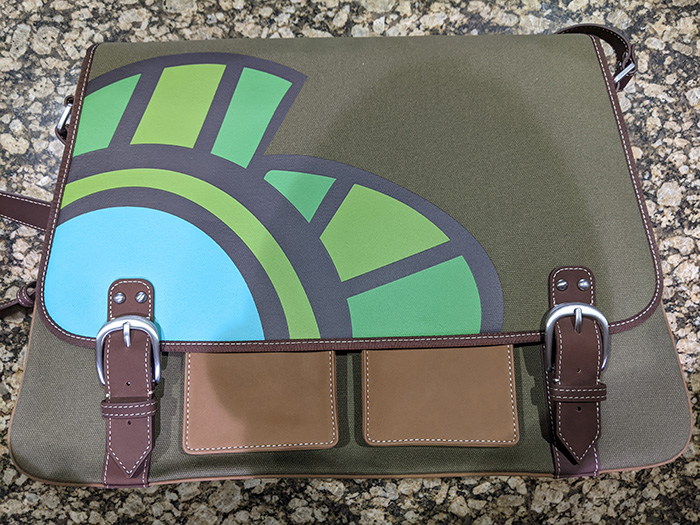
New Laptop Cover
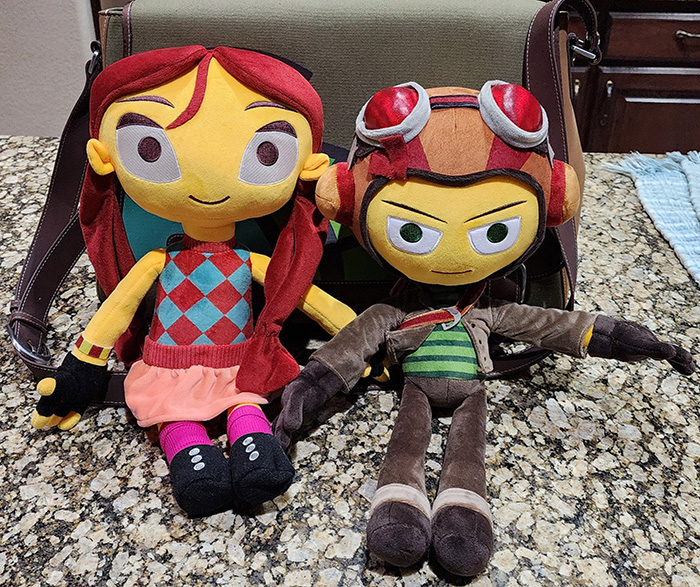
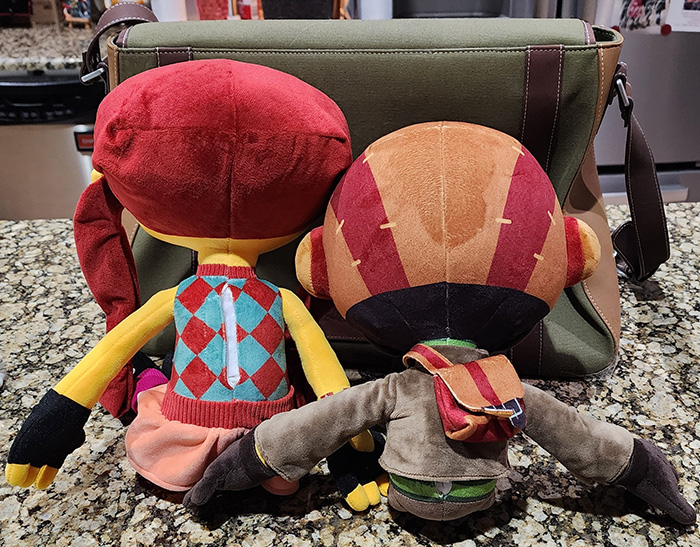
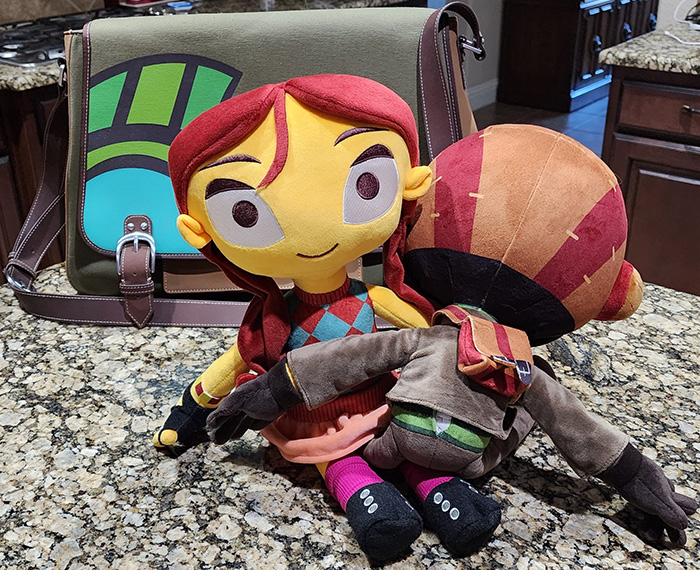
I'll try to post a picture when I get it integrated

As previously posted, I got a Macbook Pro last year and have been quite pleased with it. However, I got it for its hardware, and not its software (I run Linux and Windows on it generally). For reasons stated in the article ("glorified Fisher-Price activity centres for adults; computers for scaredy-cats too nervous to learn how proper computers work.") and the stereotypes as such for people that use them, I've really been wanting to get an overlay for the back of it, and my good friend Adam Shen has provided the cover art ^_^. So without further ado...


Laptop Hyrulean Productions Cover
SymLink Fix for Combining Android Project Versions
Yay again at NTFS symlinking :-)

Since I found out that NTFS now has semi-working native symlinks, I have updated the symlinking script used in the Combining an Android Project's Versions post. This script creates relative symlinks now through Perl instead of absolute hard links through Bash. It is as follows:

#!/usr/bin/perl
#Run this file to install links to shared files into all branches
use warnings;
use strict;

#Configuration
my $SharedDirectoryName="Shared";
my $NonProjectDirectories="^\\.(|/\\.git|/$SharedDirectoryName)\$"; #Non Project directories (., .git, $SharedDirectoryName)
my $IsWindows=(index(lc(`uname`), 'cygwin')!=-1);

#Create a symlink
sub MakeLink
{
	my ($LinkTarget, $LinkName, $IsWindows, $IsDirectory)=@_;

	#Create the target directory if it does not exist
	my $LinkDirectory=$LinkName;
	$LinkDirectory =~ s/\/[^\/]+$//;
	if(!-e $LinkDirectory) {
		print "Creating directory: $LinkDirectory\n";
		`mkdir -p "$LinkDirectory"`;
	}
	
	#If the link already exists, issue a warning
	if(-l $LinkName) {
		print "Link already exists: $LinkName\n";
		return;
	}

	#Create the relative symlink
	my $RelativePathFromLinkToTarget=('../' x ($LinkName =~ tr/\///)).$LinkTarget; #Determine the relative path between the link and its target
	my $Command;
	if(!$IsWindows) { #Create the Linux command
		$Command="ln -s \"$RelativePathFromLinkToTarget\" \"$LinkName\"";
	}
	else #Create the Windows command
	{
		#Replace /s in path with \s
		$RelativePathFromLinkToTarget =~ s/\//\\/g;
		$LinkName =~ s/\//\\/g;
		
		$Command='cmd /c mklink'.($IsDirectory ? ' /d' : '')." \"$LinkName\" \"$RelativePathFromLinkToTarget\"";
	}

	print "$Command\n";
	`$Command`;
}

#Find required information from file searches
my @LocalBranches=grep(!/$NonProjectDirectories/, `find -maxdepth 1 -type d`); #Find version folders by ignoring Non Project directories
my @Files=split(/\n?^$SharedDirectoryName\//m, substr(`find $SharedDirectoryName -type f`, 0, -1)); shift @Files; #Find shared files

#Propagate shared files into different versions
foreach my $LocalBranch (@LocalBranches) {
	$LocalBranch=substr($LocalBranch, 2, -1); #Remove ./ and new line separator
	foreach my $File (@Files) {
		MakeLink("$SharedDirectoryName/$File", "$LocalBranch/$File", $IsWindows, 0);
	}
}